

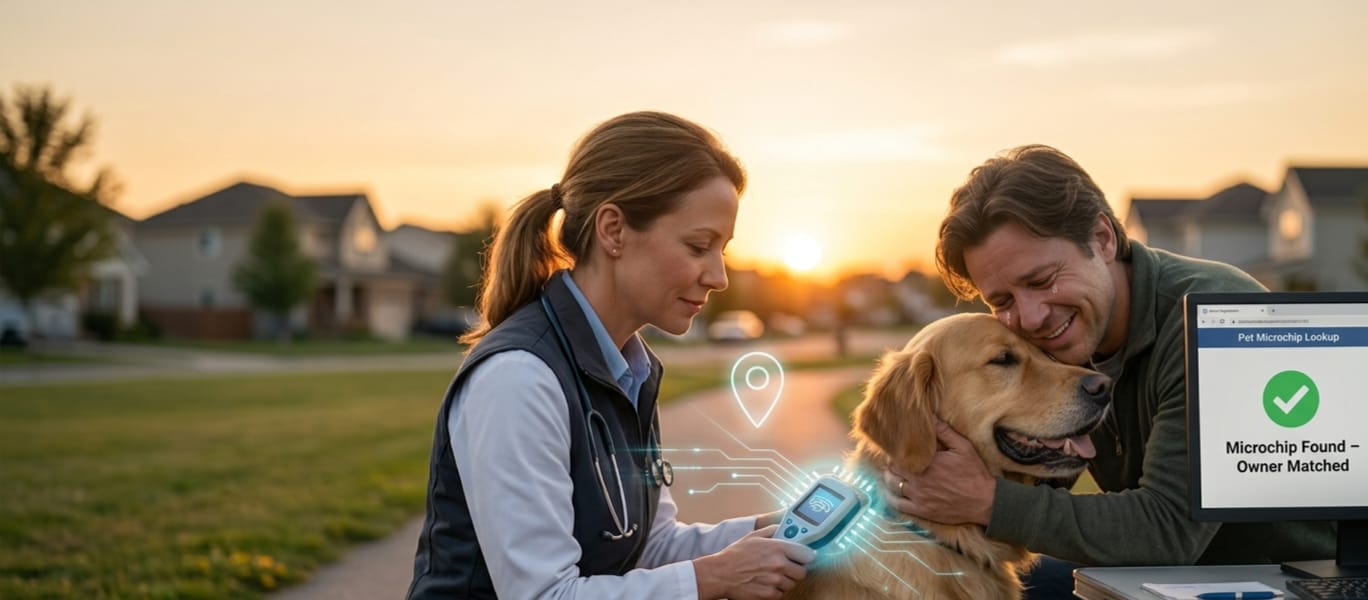
Losing a pet is one of the most gut-wrenching experiences an owner can go through — and finding one is just as disorienting if you don’t know where to start. That’s exactly the gap the AAHA Universal Pet Microchip Lookup Tool was built to close. Whether you’re a frantic owner searching for your missing dog or a good Samaritan who just found a scared cat wandering the street, this free tool is often the fastest first step toward a happy reunion.
In this guide, we’ll break down exactly what the AAHA Universal Pet Microchip Lookup Tool is, how it works, what information it can (and can’t) give you, and what to do if it doesn’t turn up an answer right away. If you haven’t microchipped your pet yet, start with our pet microchipping guide before you finish reading — five extra minutes now could save you weeks of searching later.
What Is the AAHA Universal Pet Microchip Lookup Tool?
The AAHA Universal Pet Microchip Lookup Tool is a free, internet-based search service created by the American Animal Hospital Association (AAHA). It doesn’t store any pet data itself. Instead, think of it as a switchboard: you type in a microchip number, and it checks that number against the databases of every participating pet recovery registry to tell you where the chip is registered.
Before this tool existed, a found pet’s microchip number was practically a mystery box. Different manufacturers — HomeAgain, AKC Reunite, 24PetWatch, PetLink, and dozens of others — each ran their own separate registry, and none of them talked to each other. A vet or shelter worker scanning a lost dog had no reliable way to know which company to call first. AAHA’s lookup tool solved that fragmentation by giving shelters, veterinarians, and everyday pet owners a single search box that checks multiple registries at once.
How the AAHA Microchip Lookup Tool Actually Works
Using the tool is simple on the surface, but understanding what happens behind the scenes helps you use it more effectively.
- You enter the microchip number. Every implanted chip carries a unique 9-, 10-, or 15-digit ID number.
- The tool queries participating registries. It checks the databases of every pet recovery service that has agreed to take part in the program — not every registry in existence, only the ones that opted in.
- You get a results list, not owner details. If a match is found, the tool returns a list of the registries where that chip is registered, along with each registry’s contact information, ordered by which one was most recently updated.
- You contact the registry directly. From there, you (or the vet/shelter) call or visit the listed registry to move forward with reuniting the pet with its owner.
If you’re the one holding a scared, unfamiliar animal right now, our what to do if you find a lost pet checklist walks through these steps in order, alongside the microchip lookup process.
What the Lookup Tool Shows — and What It Doesn’t
This is where a lot of pet owners get tripped up, so it’s worth being precise.
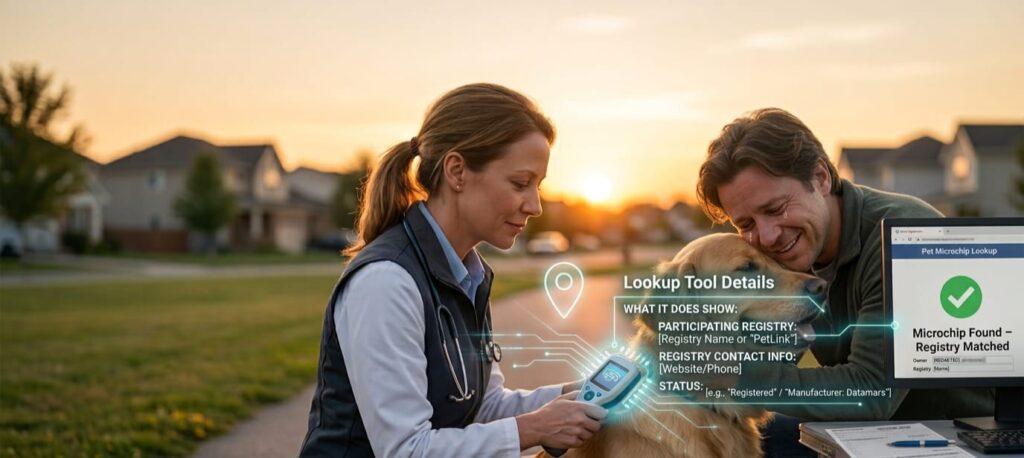
What it does show:
- Which participating registry (or registries) has a record tied to that microchip number
- Contact information for that registry
- Whether the chip number appears to be unregistered, and, in some cases, which manufacturer likely produced it
What it does not show:
- The pet owner’s name, address, or phone number
- Whether a registration is current, expired, or paid
- Medical, behavioral, or identifying details about the pet
This privacy-first design is intentional. The AAHA Universal Pet Microchip Lookup Tool is a directory, not a data broker — it points you to the right door, but you (or the shelter) still have to knock on it. This protects owners from having their personal information exposed to strangers while still making reunification possible.
Why the Lookup Sometimes Comes Back Empty
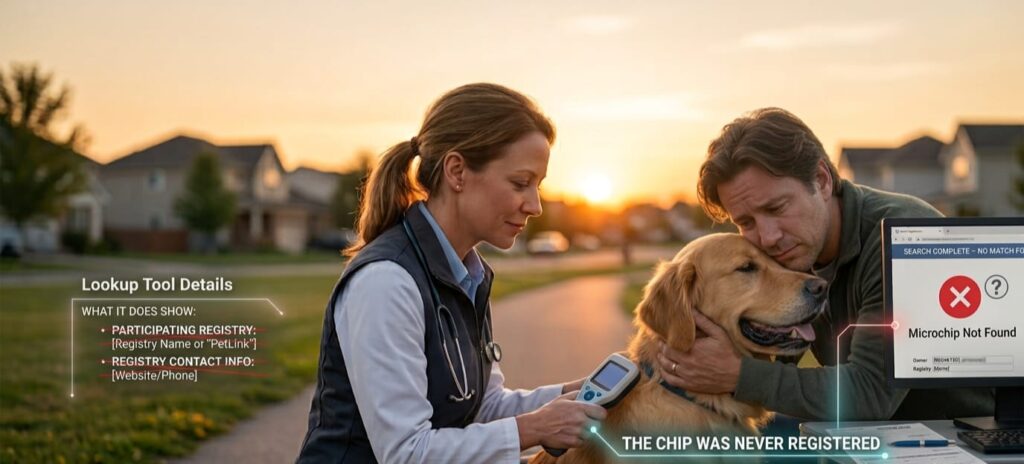
If you’ve searched a microchip number and gotten nothing useful, you’re not alone — this happens more often than most people expect, and it’s rarely a technical glitch. Here are the most common culprits.
The Chip Was Never Registered
Implantation and registration are two completely different steps. A vet or shelter can implant a chip in seconds, but if nobody ever submits the owner’s contact information to a registry, the chip is essentially a barcode with no data attached. This is especially common with pets adopted from shelters, where registration paperwork sometimes falls through the cracks. If this sounds like your situation, don’t wait — head to our microchip registration walkthrough and get it done today.
The Registry Isn’t a Participant
Not every microchip company has opted into the AAHA program. If your pet’s chip is registered with a non-participating registry, the lookup tool simply won’t find a match — even though the registration itself is perfectly valid. In that case, your vet’s records or the original adoption paperwork may point you to the right company directly.
Contact Details Are Outdated
The tool can correctly identify the registry and still lead you to a dead end if the account behind it has an old address or a disconnected phone number. This is one of the single biggest reasons found pets never make it home. Set a recurring reminder to check and update your information — our pet registration update checklist makes this a five-minute task twice a year.
The Chip Has Migrated or Failed
Microchips can occasionally shift slightly from their original implant site between the shoulder blades, which is why a full-body scan (not just a quick pass over the neck) matters when a pet is being checked at a shelter or clinic.
What the Lookup Tool Shows — and What It Doesn’t
This is where a lot of pet owners get tripped up, so it’s worth being precise.
What it does show:
- Which participating registry (or registries) has a record tied to that microchip number
- Contact information for that registry
- Whether the chip number appears to be unregistered, and, in some cases, which manufacturer likely produced it
- Double-check every digit. A single wrong number returns a false “no results.”
- Try more than once if a search fails. A failed search sometimes just means the registry’s server didn’t respond in time — this is different from “no record found.”
- Don’t stop at one registry. It’s possible — and safe — to register the same chip number in more than one participating database as a backup, as long as all copies stay current.
- Pair it with visible ID. A microchip is permanent, but a collar tag is instant. Use both. See our complete guide to pet ID options for a side-by-side comparison.
What To Do If You’ve Found a Lost Pet
If you’re on this page because you found someone else’s pet, here’s the short version: get the animal scanned by a vet, animal control office, or shelter, run that number through the AAHA lookup, and if a registry is listed, contact them immediately — most registries have a dedicated “found pet” reporting process that notifies the owner without exposing your personal details either. If the lookup comes back empty, don’t give up — local shelters, animal control, and community lost-and-found groups solve a surprising number of cases that databases alone can’t. Our found pet action plan covers exactly who to call and in what order.
Final Thoughts
The AAHA Universal Pet Microchip Lookup Tool is one of the most powerful free resources available to pet owners, but it’s only as strong as the registration data behind it. A microchip that’s implanted but never registered — or registered with old contact information — won’t do much good in an emergency. Take ten minutes today to confirm your pet’s chip is registered, participating, and up to date. It’s a small task that can make all the difference on the worst day of your life as a pet owner.
Ready to take action? Explore our pet microchip registration hub or read our step-by-step lost pet recovery guide to build a complete safety net for your pet.
Frequently Asked Questions
What is the AAHA Universal Pet Microchip Lookup Tool? It’s a free directory service from the American Animal Hospital Association that checks participating pet recovery registries to identify where a specific microchip number is registered.
Is the AAHA microchip lookup free? Yes. The tool is completely free for pet owners, veterinarians, and shelters to use.
Does the AAHA lookup tool show the owner’s contact information? No. It only shows which registry holds the record and that registry’s contact details — never the pet owner’s personal information.
Why did my microchip search return no results? The most common reasons are an unregistered chip, a registry that doesn’t participate in the AAHA program, or a temporary failed connection to a registry’s database.
Can I register my pet’s microchip through the AAHA tool? No. The lookup tool doesn’t handle registration — you’ll need to register directly with your chip’s manufacturer or a participating pet recovery registry.
